Mastodon

The End of "Seeing Is Believing"

Deepfake Videos Are More Realistic Than Ever. Here’s How to Spot if a Video Is Real or AI

Remember when “fake” on the internet meant a badly Photoshopped picture? Ah, simpler times. Now, we’re all swimming in a sea of AI-generated videos and deepfakes, from bogus celebrity videos to false disaster broadcasts, and it’s getting almost impossible to know what’s real.

Not too long ago, whenever you saw a photo or video, it was safe to assume it was real. Sure, you probably knew it had been touched up a bit or cropped for emphasis, but overall, you could believe what you were seeing. Then you started scrutinizing photos more carefully when composites became common, and even more so when Photoshop made it possible to remove or insert objects and people who weren’t in the original image. The only comfort we had was that these skills were limited to a select few. Otherwise, it was easy to spot the imperfections that gave away a fake.

Then came videos. When watching a movie, we assumed most of it was enhanced or outright faked, and we called it movie magic. We knew the context and situation we were putting ourselves into, so we expected it and allowed ourselves to be fooled for enjoyment and entertainment.

Somewhere down the road, AI-generated videos started appearing. The most popular one was probably the Will Smith eating spaghetti video from 2023. It was clearly fake and easy to spot because of its low quality and uncanny valley appearance. Other videos were easy to identify because AI struggled with rendering hands. They always looked weird, sometimes with six fingers, which was a dead giveaway.

Since then, AI has gotten significantly better at creating images and videos. You can still spot them, but it’s much harder now.

This CNET article linked above offers some suggestions for spotting fake AI-created images and videos. Basically, trust your gut. If something looks too perfect or oddly off, it’s probably fake. Another suggestion is to run it through a metadata checker, where responsible companies will indicate if content was AI-generated. However, they acknowledge that most people won’t take that extra step. Looking for watermarks from companies like Sora or Google can also help identify AI content. The problem is you’re depending on creators to insert those watermarks. Usually, those aren’t the ones you need to worry about since they’re mainly for entertainment.

The real danger comes from content designed to convince you of something fake by passing it off as real. Those are the ones you need to scrutinize carefully and make your own judgment about whether what you’re seeing is true. Check your sources and verify information through other means to confirm what’s being portrayed is actually real. Don’t take things for granted, and please educate others. I’m thinking especially of older generations who may not be up to speed on these capabilities and could be easily fooled. I’m not saying they’re less intelligent than us because any of us can be fooled by this at any time. Let’s continue to look out for one another.

When Was the Last Time You Really Listened to Music?

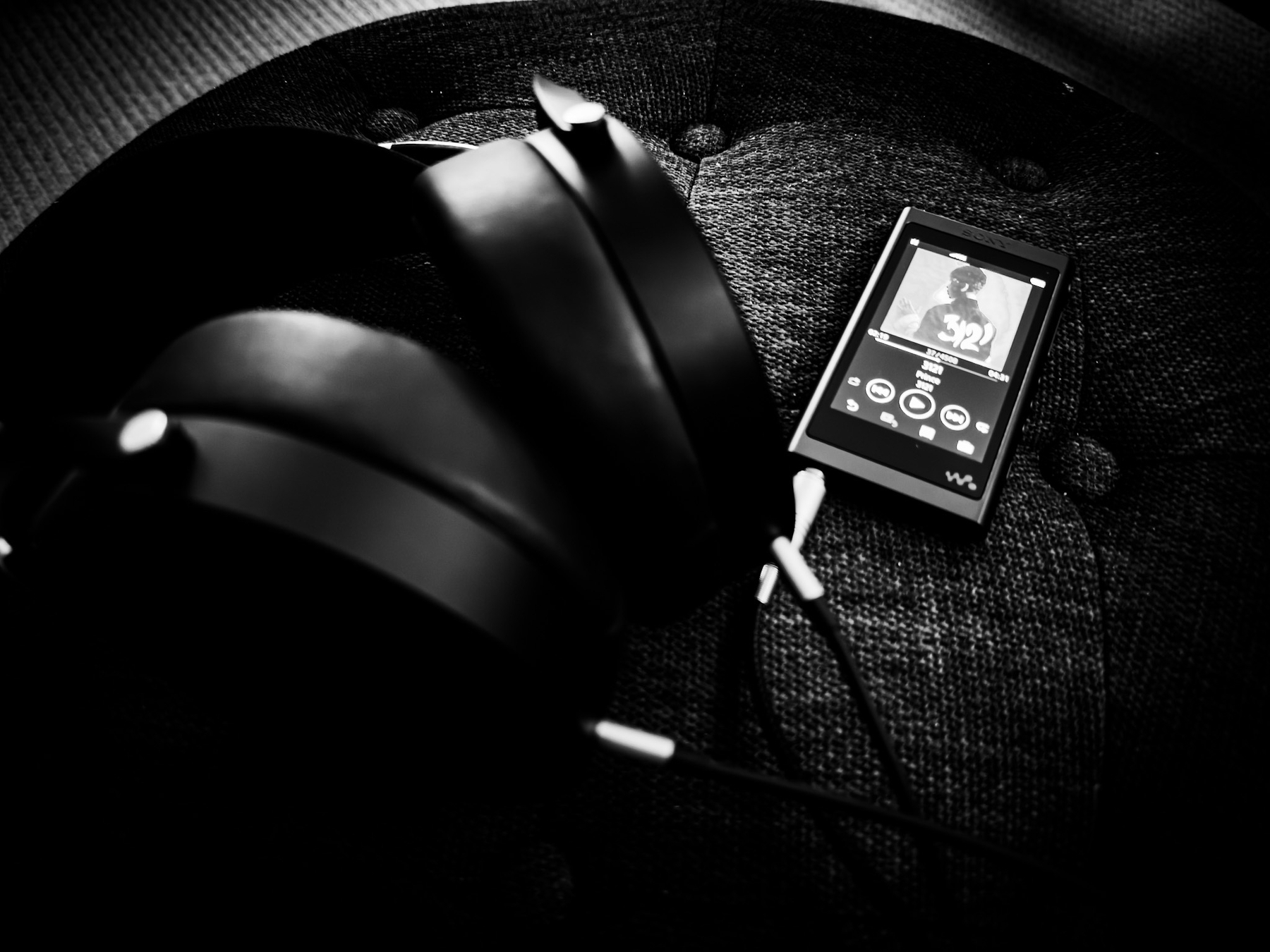
A pair of headphones and a portable music player with an album cover display are resting on a cushioned surface.

Sitting down to intentionally enjoy your music isn’t something most of us do these days. We put music in the background while showering, driving to work, cleaning the house, or hosting a party. The music is there, it sets the mood, and we enjoy it, but we don’t listen to it the way people used to back in the 60s and 70s.

The other day, I saw Randy talk about taking the time to really enjoy our music on his cheapaudioman YouTube channel. He mentioned that streaming services give us incredible variety, but having so much choice creates a paradox. With virtually no limits on what to choose from, we listen to a bit of a song, click to the next one, and keep clicking until we either get tired, move on to something else, or actually find something we like. The problem? We’re not really taking the time to enjoy songs the way the artist intended, like we would if we listened to an entire album.

I get it. Not all of us have time for this. But every once in a while, it’s nice to just slow down, sit back in your favorite chair, and listen to your music collection. Revisit old tracks that remind you of great times gone by. Just as fun is discovering new music that’s been hiding in plain sight within the collection you’ve always had.

I did just this today. I actually started a couple of nights ago for about an hour, but today I dedicated a nice chunk of time to it again. I took my music collection (ripped from CDs a while ago and stored on my NAS) and put it on a microSD card. Once I had everything I wanted, which was my entire collection since it’s not that big, I loaded it onto my “new” Walkman, a Sony NW-A55/B. I paired it with my HiFiMan open-back headphones and went to town.

I loaded up all the songs, put them on shuffle, pressed play, sat back, and enjoyed. Some of these songs brought back awesome memories, while others I’d never heard before, or at least didn’t remember hearing. A good example is “3121” by Prince. It’s a fun, rhythmic song I don’t remember ever listening to before, so I’m glad I discovered it.

If you have the opportunity, try something like this yourself. One of these days, I’m going to dig into my vinyl collection, pick an album at random, and just put it on. Even if I end up not liking my choice, at least I can say I listened to it and made an informed decision. There’s a slim chance of that since most of the vinyl records I have are ones I chose myself, but there are a few that were handed down to me or bought by family members, so there’s always a possibility. But I love music so much, I’ll probably find something I like in everything I listen to.

Anyway, that’s a project for another day. Today was such a joy, and I experienced it uninterrupted because I didn’t have my phone buzzing or beeping at me. I was just listening to a dedicated music player with wired headphones, a cup of coffee in my hand, and my memories. Period.

USB Colors

Have you ever stopped to notice that your USB ports have different colors? Some are blue, some are black, and some are red—but what do all these mean? It’s OK if you don’t know, because manufacturers don’t follow a universal standard. It all depends on what they feel like coloring it. The saving grace is that many of them do conform to certain conventions.

For example, blue ports typically represent the higher-speed USB 3.0 or 3.1 standard, which means faster data transfers compared to older versions. Red or yellow ports often signify “always-on” or high-power charging capabilities, meaning your devices will keep charging even when your computer is asleep or completely off.

These colors, in short, mean something. They can indicate faster speeds, enhanced features, or higher charging capacity. Unfortunately, since there’s no universal standard dictating what each color means, we still have to depend on reading the manufacturer’s manual for definitive answers.

Every computer is most likely different, and even models within a certain manufacturer’s lineup can vary.

The bottom line… While color conventions exist and can be helpful guides, always check your device’s documentation to know exactly what you’re working with.

Nikhil Azza from BGR has written a great article explaining these colors more in depth. Check it out here.

Each port color signifies a specific functionality, and plugging your gadget into the right USB port can make a noticeable difference in speed and performance.

The American Revolution (2025)

I am excited about the upcoming Ken Burns documentary, The American Revolution Season 1 that will air on November 16, 2025 on PBS. 📺

From what I have been reading, it has been in the making for about a decade and it supposed to be different than his previous projects like The Civil War or Baseball. Since there were no photographs of the time period, Burns uses other tools at his disposal such as CGI maps and drone shots of reenactments to piece together his story. All in all, it cost about $30 million to make.

The New York Times has a good article that goes into more detail.

Watch the Extended Trailer

Feedbin

As I’ve mentioned before, NetNewsWire has been my favorite RSS reader. They’ve had a small hiccup with their recent update, but it was not a huge deal. Regarding accessibility, it no longer recognizes my three-finger swipe to move to the next article. I found a workaround by tapping and holding with one finger, then swiping. This fixes the problem for me, though it’s not as fluid as the three-finger swipe I was used to.

My bigger issue with NetNewsWire was iCloud syncing. On my phone, it worked perfectly since I use it daily. However, on my iPad, where I only check occasionally, it never synchronized smoothly. It took forever, and for a while, it wouldn’t sync at all. At one point, it showed the last sync was three months ago. I deleted the iCloud-related feeds, deactivated the account, and rebuilt everything from scratch. It claimed to sync afterward, but no new articles appeared in the feeds.

Frustrated, I searched for alternative RSS readers but found none that fit my accessibility needs with text-to-speech. At least, none I preferred over NetNewsWire.

Then I saw someone mention Feedbin, a complete RSS service with its own app. I’m trying it out with their 30-day free trial. So far, the synchronization is spot-on. I still prefer NetNewsWire’s interface over the Feedbin app, but I haven’t had any sync issues across my devices. It’s incredibly fast too.

Feedbin has become my new source of truth, via NetNewsWire. I imported my feeds using an OPML file exported from NetNewsWire. Once I brought everything into the system, it just worked. Now, it does cost $5 per month or $50 per year, but if it works for me, I’m happy to pay. I’m a firm believer in paying for tools that help you get things done while supporting the developers who create them. Free options always worry me because I never know how long they’ll last.

Beyond speed and ease of use, Feedbin offers a perk that iCloud and NetNewsWire alone don’t: a unique email address for newsletter subscriptions. This brings newsletters directly into my RSS feed, so I can read them alongside my other news sources throughout the day. Pretty neat.

Since I already had a newsletter email set up, I created a rule that automatically forwards anything sent to that address to my unique Feedbin email, then deletes it from my email client. Everything happens in the background—I never see newsletters in my inbox, but they appear in my RSS feed. It’s great all around.

I’m still on the 30-day trial, but I’ve already entered my payment information. Unless I find a showstopper, I’ll be subscribing to Feedbin as soon as the trial expires.

Digg Daily

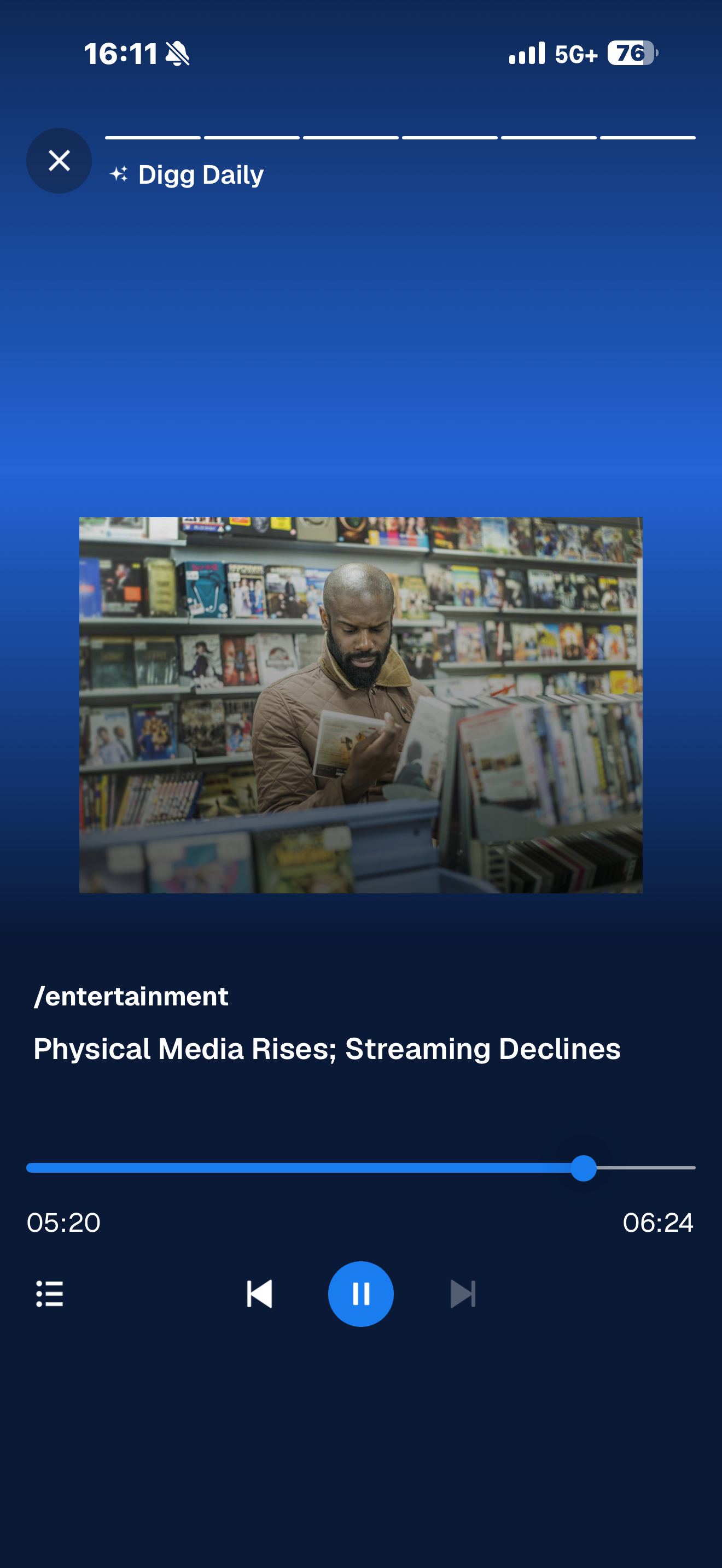
One of the features I’m enjoying on the new Digg is Digg Daily. It’s essentially an AI-generated summary of the latest posts, news, and comments being shared and discussed on the platform. Not only does it tell you what each article is about, but it also highlights the comments users are posting. All of this is delivered in audio format between two AI hosts.

If you’ve used Google’s NotebookLM and had it create an audio digest, then you know exactly what I’m talking about. It’s basically a male and female AI-generated voice giving you the highlights of what’s trending on Digg at the moment. It’s pretty shallow, but it’s meant to be just that: a quick audio podcast of sorts to catch you up on the latest happenings on Digg. I like it, and I think it’s pretty cool.

I tried it this morning, and then I tried it again later in the evening, and it was the same content. So it really is a daily digest. It’s not updated throughout the day like some other services might be.

A person browses through records in a music store, surrounded by shelves of vinyl albums.

New Digg

Years ago, I was an avid Digg user. Then it went away. After people learned to game the system, it became garbage for all practical purposes. I’m glad to say I finally got an invite to end the wait.

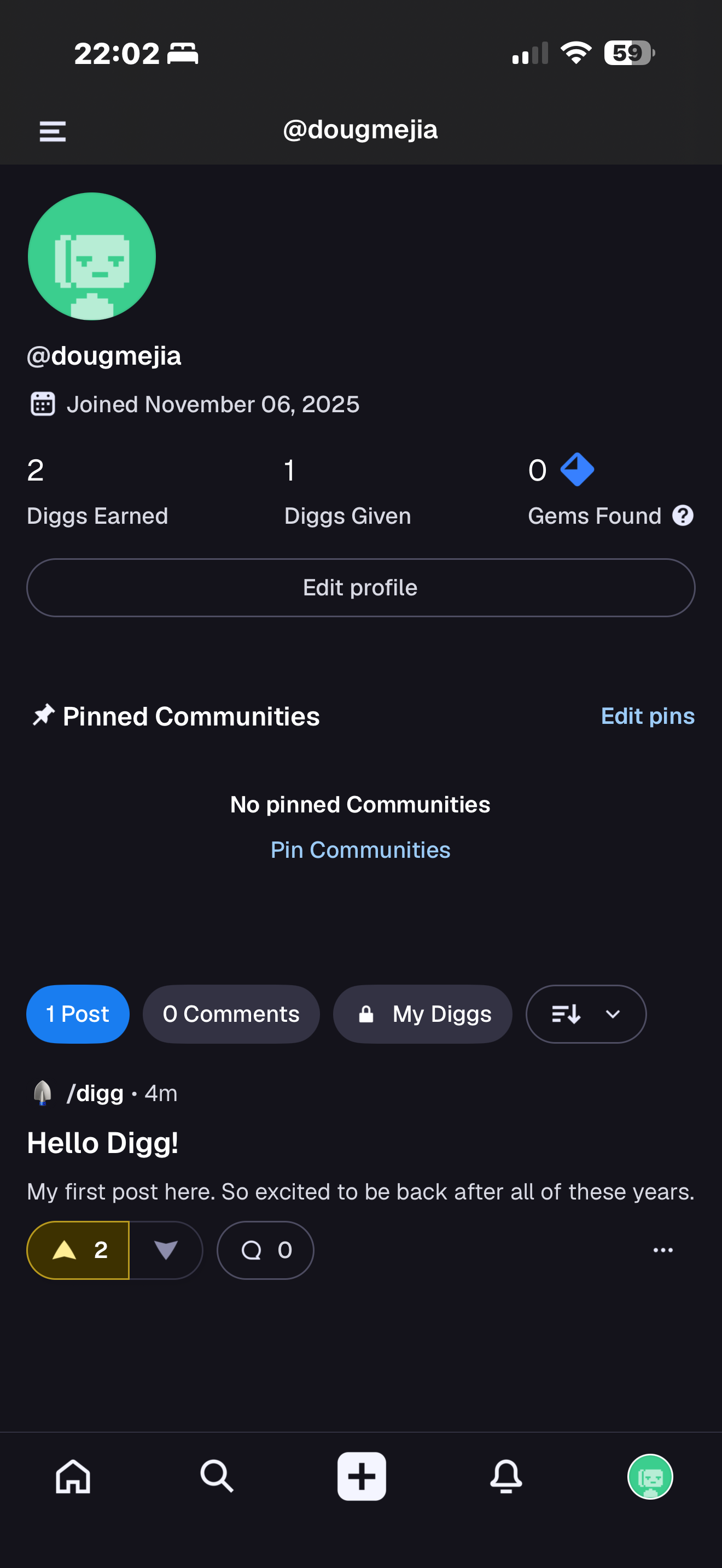
I signed up for the new Digg service yesterday. It’s still in beta (a closed beta at that), but it has a more modern and polished feel to the UI. The community seems to be picking up where it left off years ago. I have high hopes for it. I signed up right away and posted my obligatory “Hello world!” first post yesterday.

From the quick look I’ve had so far, it seems people are happy to be back, and they like the design because it’s nice and clean. I’ve seen two concerns emerge so far.

First, how is Digg going to verify that you’re 18 years or older? Right now, it’s just a button you click that says you are, in fact, 18 years or older. There’s no actual verification. The other concern is the infusion of AI into the system. Some people are wary, and others just plain don’t like it at all.

Let’s see how it evolves. It’s early days still, and they admit it. They want feedback, and they want people to “pick up a shovel and start building this thing.”

A user profile screen from a social platform shows a user's digg history, pinned communities, and a recent post.
Follow Me On Mastodon | Buy Me A Coffee